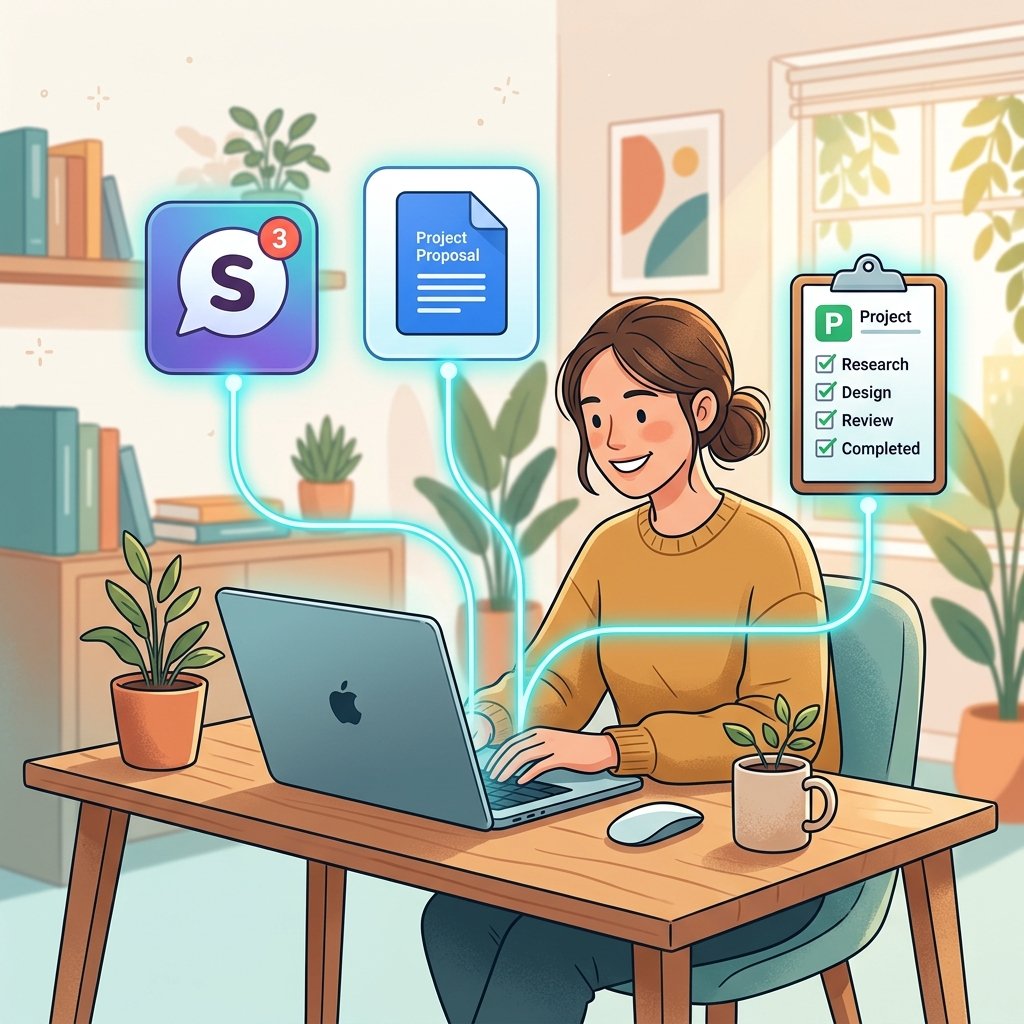
Let’s talk about that moment where you have 47 browser tabs open, your Slack is pouncing with notifications, and you’re trying to find that *one* Google Doc your client sent you three days ago. We’ve all been there. It’s the “TAB-ocalypse,” and it’s the biggest productivity killer in the modern digital office.
As we move deeper into 2026, the secret to staying sane isn’t working harder – it’s working *smarter* by connecting your tools. Specifically, finding project management tools that integrate with Slack and Google Workspace is no longer just a “nice-to-have” feature; it’s the minimum requirement for a professional workflow.
When your communication (Slack), your documents (Google Workspace), and your execution (Project Management) are all talking to each other, the magic happens. You spend less time searching for info and more time actually delivering value. Here at Digital Success Lane, we’re all about building systems that give you your time back. Let’s dive into how these integrations work and which tools are doing it best right now.
Why Integration is the Ultimate “Force Multiplier”
Before we look at the specific tools, let’s understand why this connection is so powerful. Scientists call the struggle of jumping between apps “context switching.” Every time you leave your work to check a Slack message or find a file in Drive, your brain loses a bit of its focus and speed. Over a whole day, those seconds add up to hours of lost productivity.
By using project management tools that integrate with Slack and Google Workspace, you create what I like to call a “unified command center.” You can turn a Slack message into a task with the click of a button. You can preview a Google Doc without ever leaving your task list. It keeps your brain in “production mode” rather than “search mode.”
This is especially critical for those focusing on client acquisition strategies. When you can respond to a prospect’s request instantly because all your data is at your fingertips, you win.
1. Asana: The Master of Cross-Team Connectivity
Asana has always focused on making work “connected,” and their current integrations are a masterclass in usability. Their Slack integration is particularly robust. You can create a task directly from a Slack message, assign it to a teammate, and set a due date without ever leaving the channel.
On the Google Workspace side, Asana’s integration with Gmail is a lifesaver. You can turn an email into a task directly from your inbox. The Google Drive integration ensures that your project assets are always attached to the relevant task, meaning nobody ever has to ask, “Is this the latest version?”
For teams that need high-level coordination and clear visibility, Asana is a top-tier choice. You can see their full list of integrated apps here.
2. ClickUp: The All-In-One Consolidation Hub
ClickUp’s mantra is “one app to replace them all.” While that’s a lofty goal, their integrations do a lot of the heavy lifting. Their Slack integration allows for deep bi-directional sync, meaning updates in ClickUp show up in Slack and vice versa.
What I find most impressive is ClickUp’s “Connected Search.” Using AI, you can search across your tasks, your Slack messages, and your Google Drive files all from one search bar. It’s the ultimate “anti-tab” feature.
ClickUp is perfect for those who are early in their journey of high-value skill selection because it allows you to keep your study notes, your experimental tasks, and your research docs in one connected ecosystem.
3. Monday.com: The Automation Engine
If you like “recipes” that automate your life, Monday.com is for you. They have thousands of pre-built automation recipes that connect to Slack and Google Workspace. For example, “When a Google Form is submitted, create a task in Monday and notify the #new-leads Slack channel.”
This level of automation means that your project management tool becomes more than just a place to store data – it becomes an active participant in your business. It reduces the manual “poking” of teammates to see if something is done because the system handles the notification for you.
Monday is highly visual and flexible, making it a great choice for teams that want to build custom workflows without a single line of code. You can explore their automation recipes here.
4. Trello: The Kanban Specialist
Sometimes you don’t need a heavy-duty engine. You just need a board that works. Trello’s “Power-Ups” allow you to add exactly the integrations you need without cluttering the interface.
The Trello Slack Power-Up is excellent. You can send Slack messages to Trello as cards, or even update a card’s due date from within Slack. The Google Drive Power-Up allows you to create new Docs and Sheets directly from a Trello card, which is perfect for fast-moving creative teams.
As we discussed in our guide on visual project management tools for remote teams, Trello’s simplicity is its greatest strength. It’s the fastest way to get your team integrated and productive.
Maximize Your Integration Strategy
Simply connecting the apps isn’t enough. You need a strategy to make them work for you. Here are my top three tips for streamlining your integrated workflow:
1. Set Boundaries for Notifications
If you integrate everything, you run the risk of getting *too many* notifications. If every tiny task update triggers a Slack alert, your team will eventually just ignore them. Use “selective syncing” to only notify Slack about major milestones or high-priority changes.
2. Use a “Single Source of Truth” for Files
Don’t upload files directly to your project management tool. Use the Google Drive integration to *link* them instead. This ensures that when you update the document in Drive, the link in your PM tool always points to the most recent version. It eliminates “version control” nightmares.
3. Leverage “Natural Language” Creation
If your tool supports it (like Asana and ClickUp do), use Slack slash commands to create tasks. It’s much faster to type `/asana task Update the Q2 report` than it is to open a new tab, navigate to the project, and click “Add Task.”
Advanced Slack Automations for Productivity
In 2026, the real power of Slack integration lies in custom automations. It’s not just about receiving alerts anymore; it’s about triggering complex workflows. For example, in monday.com, you can set a ‘recipe’ where move a task to the ‘Completed’ status automatically sends a success message to a specific #client-updates channel.
Furthermore, you can use Slack’s ‘Workflow Builder’ in conjunction with tools like Jira or ClickUp. Imagine a scenario where a teammate types a specific keyword in a channel, and it automatically triggers a project brief template to be created in Google Drive and linked to a new task in your PM system. This level of automation reduces the ‘friction’ between thought and action, allowing your team to move at lightning speed.
Mastering Google Workspace Permissions Through Your PM Tool
One of the biggest headaches in remote collaboration is file permissions. How many times have you clicked a link only to see ‘Access Denied’? Project management tools that integrate deeply with Google Workspace solve this by managing permissions at the task level.
When you attach a Google Drive file to an Asana task, for instance, the integration can automatically check if the task’s assignees have permission to view that file. If they don’t, it will prompt you to grant access right then and there. This tiny feature saves countless minutes of back-and-forth ‘can you share this with me?’ messages.
For agencies managing multiple clients, this is even more critical. You can ensure that your ‘External Guest’ clients only see the files linked to their specific projects, maintaining a strict firewall between different client sensitivity levels. This is a core part of the project management tools for agencies managing multiple clients strategy we’ve discussed previously.
Future-Proofing Your Integrated Workflow
As we look toward the latter half of 2026 and into 2027, the integration between project management tools, Slack, and Google Workspace will only deepen. We are already seeing the Rise of ‘Autonomous Action’ – where your PM tool won’t just notify you, it will suggest the best Slack channel for a discussion or automatically draft a Google Doc based on a task’s description.
By setting up these integrations now, you are building the ‘Digital Plumbing’ of your business. It allows you to scale up without becoming overwhelmed by administrative debt. Whether you are a solo freelancer or a growing agency, the ability to operate within a single, interconnected ecosystem is what will define the high-performers of the next era.
The ROI of a Connected Workflow
Is it worth the 20 minutes it takes to set up these integrations? Absolutely. Over the course of a year, an integrated workflow can save an average team member hundreds of hours of unproductive “tool management.”
When you’re running a business, those hours are the difference between scaling and stagnating. By using these project management tools that integrate with Slack and Google Workspace, you’re not just organizing tasks – you’re building a scalable foundation for your entire digital career.
I recommend taking a look at our guide on affordable project management software with time tracking for freelancers to see how you can add yet another layer of efficiency to your new, connected system.
The “TAB-ocalypse” is over. It’s time to close those 47 tabs, connect your tools, and get back to the work you actually love.
Success is just an integration away.
Happy connecting!
Leave a Reply