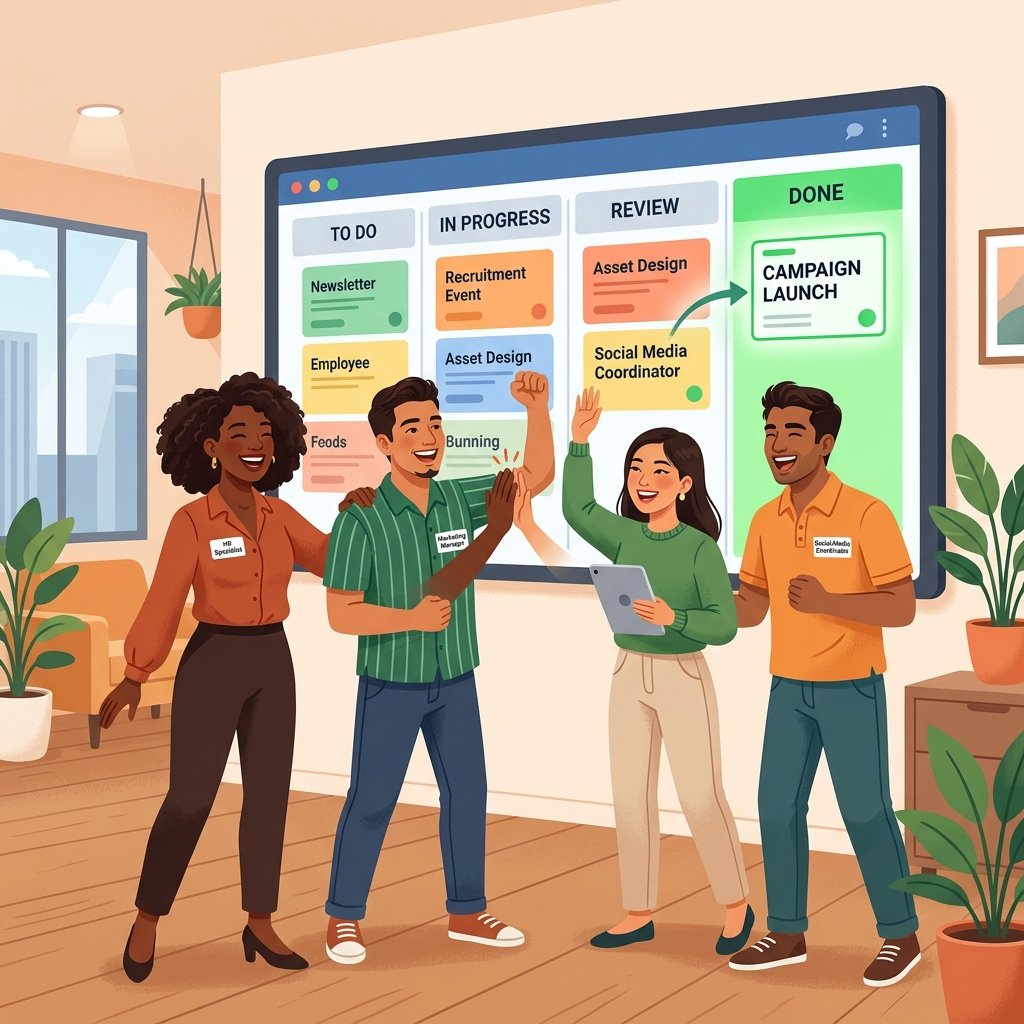
For a long time, the word “Agile” felt like code for “this is only for people who write software.” It was a world filled with strange terminology like “scrums,” “sprints,” “backlogs,” and “velocity charts.” If you worked in marketing, HR, sales, or finance, you likely looked at the developers across the room and thought, “That looks cool, but it wouldn’t work for us.”
But things have changed. As we move through 2026, the walls between the technical and non-technical parts of a business have effectively collapsed. Every team is now a “digital team,” and every project needs to be able to pivot on a dime. This is where Agile project management tools for non-technical teams come in. These tools have taken the best parts of the Agile philosophy – focusing on transparency, speed, and continuous improvement – and stripped away the complex technical overhead.
Today, I want to show you that Agile isn’t just a development framework; it’s a superpower for anyone trying to manage complex work in a fast-paced world. If you’re ready to stop being buried under static spreadsheets and start moving at the speed of the modern market, Digital Success Lane is your roadmap.
What Does “Agile” Actually Mean for the Rest of Us?
At its core, Agile is simply a way of working that prioritizes small, frequent steps over one giant leap. Instead of planning a six-month project in agonizing detail and then hoping everything goes right, you plan in two-week chunks. You execute, you learn, you adjust, and then you do it again.
For a marketing team, this might mean running a series of small ad tests rather than one massive campaign launch. For an HR team, it might mean iterative updates to an onboarding process based on weekly feedback from new hires. It’s about being “responsive” rather than “rigid.”
When you combine this mindset with the right visual project management tools for remote teams, you create an environment where everyone knows what’s happening, what’s next, and most importantly, *why* it’s being done.
Why Non-Technical Teams are Flocking to Agile in 2026
The world hasn’t gotten any slower. If anything, the pace of business in 2026 is exponentially faster than it was even a few years ago. Relying on the traditional “Waterfall” method – where one phase must finish completely before the next begins – is a recipe for obsolescence.
Non-technical teams are adopting Agile for three main reasons:
1. Transparency: When everything is on a visual board, you don’t need a status meeting. You can see the bottlenecks immediately.
2. Flexibility: If a client changes their mind or a market trend shifts, an Agile team can adjust their “backlog” in minutes.
3. Team Morale: Agile focuses on empowered teams. Instead of waiting for a manager to assign every task, the team “pulls” work from the backlog, leading to higher engagement and faster delivery.
This shift is a vital part of building a freelance portfolio building strategy. Clients in 2026 want to see that you can handle change and stay organized, which is exactly what Agile systems demonstrate.
Top 5 Agile Tools for Non-Technical Teams
You don’t need Jira to be Agile. In fact, for most business teams, Jira is overkill and actually hurts productivity due to its complexity. Here are the tools that are wining in the non-technical space this year.
1. Asana: The Visual Master
Asana is probably the most used tool for marketing and creative teams. It’s colorful, intuitive, and hides the “scary” parts of project management behind a beautiful interface. Their “Board View” is a classic Kanban implementation that even the most tech-allergic teammate can understand in seconds. You can find more about Asana’s approach to Agile here.
2. Monday.com: The Customization King
Monday.com allows you to build a custom “Work OS” without writing a single line of code. For an HR or Finance team, this means you can build an Agile workflow that uses the language and metrics *you* care about, not just software development terms. It’s a key recommendation in our 7 best AI-powered project management tools for small teams guide.
3. ClickUp: The All-In-One Powerhouse
If your team is tired of “tool sprawl,” ClickUp is the answer. It combines tasks, documents, goals, and even whiteboards in one place. Its “Sprints” feature can be customized for non-technical cycles, making it incredibly flexible. It’s a great choice if you’re also using project management tools that integrate with Slack and Google Workspace to centralize your operations.
4. Trello: The Ultimate Entry Point
Trello is the tool that brought the “Sticky Note on a Whiteboard” concept to the digital world. For a small team just starting their Agile journey, Trello is often the best choice. It’s lightweight, fast, and does one thing – Kanban – better than almost anyone else.
5. Wrike: The Performance Specialist
Wrike is excellent for larger non-technical organizations that need to balance Agile flexibility with robust reporting. It’s particularly good for managing multiple clients efficiently using agency project management tools because it provides a clear view of resource allocation across disparate projects.
Core Agile Concepts for “Normal” People
If you’re going to use these tools, you need to understand three basic concepts. Don’t worry, there’s no technical exam afterward.
The Backlog: Your “Someday” List
Think of the backlog as a giant bucket for every idea, request, and task your team might ever do. It’s not a “To Do” list; it’s a “To Be Prioritized” list. Once a week, the team looks at the bucket and picks the most important items for the next cycle.
The Sprint: Your Focus Period
A sprint is simply a fixed period (usually 1 or 2 weeks) where the team focuses on a specific set of tasks from the backlog. The goal is to finish those tasks and nothing else. No new work is allowed to “sneak in” during the sprint, which protects the team’s focus.
The Retrospective: Your “How Are We Doing?” Meeting
At the end of every sprint, the team spends 30 minutes asking: What went well? What went wrong? What can we change for next time? This “continuous improvement” is the secret sauce of Agile. It’s how you go from being “okay” to being “world-class.”
How to Start Your Agile Journey (Without the Stress)
If you’re ready to try this, my advice is to start small. Don’t try to implement a full “Scrum” framework on day one.
1. Pick One Tool: Choose one from the list above. Don’t overthink it – most offer free trials.
2. Map Your Current Workflow: Before you touch the tool, draw your current process on a piece of paper. How does work move from “Idea” to “Done”?
3. Build Your First Board: Create columns that mirror your process (e.g., Backlog, To Do, In Progress, Review, Done).
4. Hold Your First “Standup”: Once a day, spend 10 minutes (standing up!) with your team. Each person says: What did I do yesterday? What am I doing today? Is anything blocking me?
That’s it. You’re now officially “doing Agile.” Over time, you can add more complex features like WIP (Work In Progress) limits or automated notifications, but the core is just about clear communication and steady progress.
Common Mistakes to Avoid
The biggest mistake non-technical teams make is “The Tool Trap.” They spend weeks configuring the perfect board in Asana or Monday.com but never actually change the way they work. Remember: Agile is a mindset, not a piece of software. If you have a beautiful Trello board but you’re still micromanaging your team and changing priorities every hour, you aren’t Agile.
Another pitfall is “The Never-Ending Sprint.” A sprint must have a fixed end date. If you keep extending the deadline to finish one last task, you lose the “rhythm” that makes Agile effective. If a task isn’t done, it goes back into the backlog for the next cycle. It’s the only way to maintain a predictable client acquisition strategy based on actual team capacity.
Lastly, don’t ignore the affordable project management software with built-in time tracking for freelancers aspect. Agile is built on data. Understanding how long a “typical” marketing campaign takes is the only way to plan your future sprints with any level of accuracy.
The Future of Non-Technical Agile
As we look toward 2027 and beyond, the integration of AI is going to make Agile even easier for non-techs. We’re already seeing “Autonomous Backlog Management,” where AI suggests which tasks should be prioritized based on your past performance and company goals.
The goal isn’t to turn you into a software developer; it’s to give you the same level of efficiency and clarity that developers have enjoyed for decades. By adopting these Agile project management tools for non-technical teams, you are future-proofing your career and your business.
Don’t let the technical jargon scare you off. Agile is for everyone. It’s about working together, staying flexible, and delivering value as fast as possible. And in the world of 2026, there is no more valuable skill than that.
Happy sprinting!
Leave a Reply