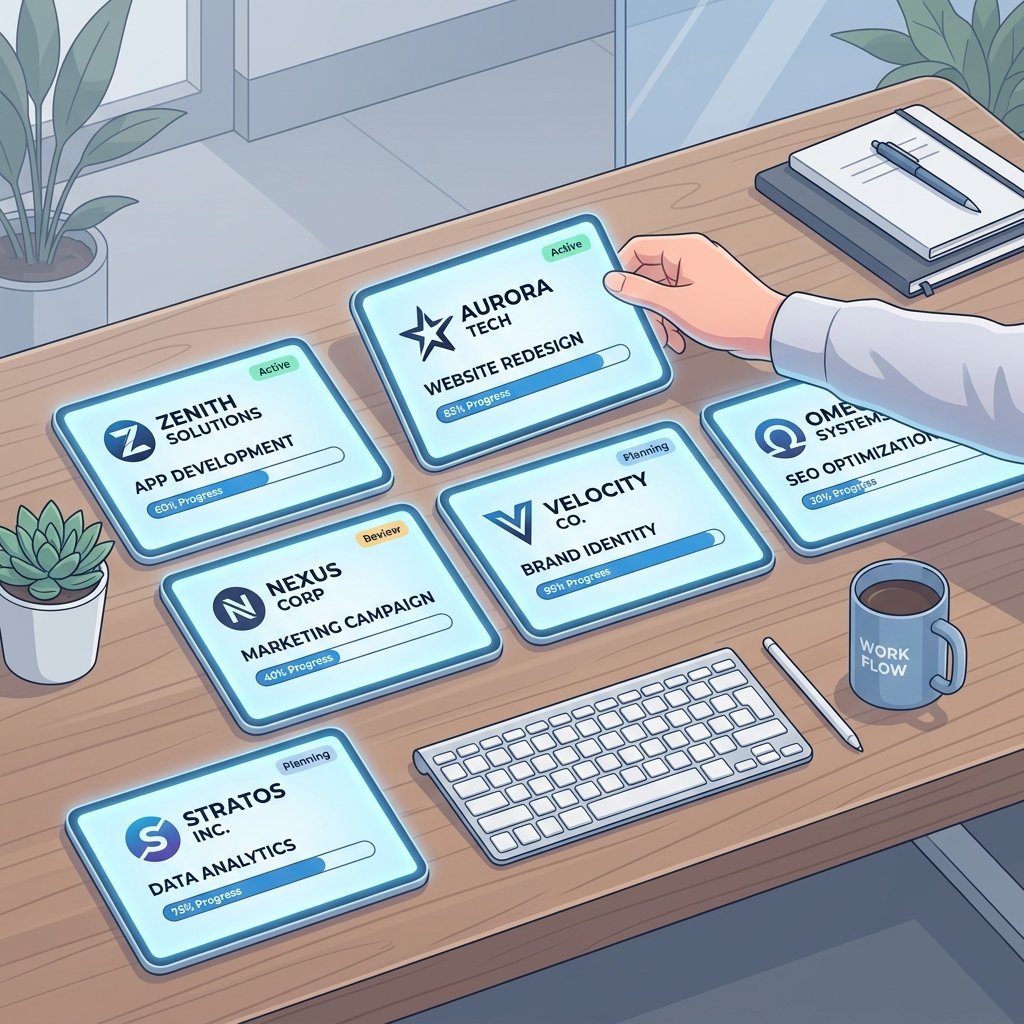
Scaling an agency is a bit like level 10 of a video game – everything is moving faster, the stakes are higher, and if you don’t have the right gear, you’re going to crash and burn. When you’re only managing one or two clients, you can get away with a simple to-do list and a lot of grit. But when you hit five, ten, or twenty clients? That’s when the cracks start to show.
In 2026, the best project management tools for agencies managing multiple clients have moved beyond simple “task tracking.” They are now full-scale operations hubs. They handle everything from the first discovery call to the final invoice, all while making sure your team stays sane and your clients feel like they’re your only priority.
If you’ve ever woken up in a cold sweat wondering if you accidentally shared Client A’s strategy document with Client B, this post is for you. I’ve lived through the agency scaling “growing pains,” and I’ve tested the tools that actually help you manage the chaos. Here is how to choose the right operational engine for your agency’s next stage of growth.
The “Invisible Tax” of Agency Management
Before we dive into the tools, let’s talk about the problem they’re solving. In an agency environment, there’s an “invisible tax” on every project: communication, context switching, and resource planning.
When your team has to jump between different client environments or search through dozens of Slack channels for a single feedback loop, you’re losing billable hours. This is why Digital Success Lane exists – to help you minimize that tax and maximize your expertise. Centralizing your operations is the only way to scale without losing your mind or your profit margins.
1. Productive.io: The Profitability King
If I had to pick one tool that truly understands the agency business model, it’s Productive. Most PM tools focus on “getting the work done.” Productive focuses on “getting the work done profitably.”
The standout feature of Productive is its integrated resource planning and financial reporting. It doesn’t just show you tasks; it shows you how those tasks impact your client’s budget in real-time. If a project is starting to go over budget, you’ll know days or weeks in advance, rather than when you’re trying to send the invoice.
For agencies, this is a game-changer. It allows you to have better client acquisition strategies because you know exactly which types of projects are actually making you money. You can learn more about their unique approach to agency management on the Productive.io resources page.
2. Teamwork.com: Built for Client Service
Teamwork has been an agency favorite for a long time, and their 2026 updates have kept them at the top of the heap. What makes Teamwork different is its focus on the “client experience.”
Their permission levels are some of the most granular in the industry. You can add “Client Users” for free, and you have complete control over what they can and cannot see. You can show them a high-level milestone view while keeping your internal team’s messy brainstorming sessions private.
They also have a brilliant “Profitability Report” that pulls in tracked time and expenses. It’s perfect for ensuring that your freelance portfolio building efforts are backed by data. When a potential big-ticket client asks for proof of your efficiency, you can pull a report that shows exactly how you stayed on time and under budget for previous clients.
3. ActiveCollab: The All-In-One Veteran
ActiveCollab is a tool that has grown up alongside the agency industry. It’s mature, stable, and covers almost every base you could need. It’s particularly strong for agencies that handle a lot of assets and documentation.
The “Workload” view in ActiveCollab is one of the best I’ve seen. It gives you a bird’s-eye view of your entire team’s capacity. You can see at a glance if your lead designer is drowning in work while your copywriter has a light week. Drag-and-drop rescheduling makes it easy to balance the load across multiple client projects.
Their ActiveCollab blog often features deep dives into agency workflows that I find incredibly useful. They understand that managing people is just as important as managing tasks.
4. ClickUp: The “Everything” Hierarchy
While ClickUp is great for small teams (as I mentioned in our 7 best AI-powered project management tools for small teams guide), it also scales remarkably well for agencies if you use its “Hierarchy” correctly.
The key for agencies in ClickUp is using “Spaces” for departments and “Folders” for clients. This creates a clear vertical structure that keeps data siloed. You can have a “Creative” space where your designers work across all projects, but keep each client’s specific feedback and documents in their own dedicated folder.
When combined with affordable project management software with built-in time tracking for freelancers principles, ClickUp becomes a very formidable (and cost-effective) agency hub.
5. Forecast/Float: The Resource Specialists
Sometimes, your biggest problem isn’t “what is the task?” but “who is doing it?” If your agency is heavily service-based and your main cost is people’s time, you might need a tool like Forecast or Float.
These tools are built specifically for “Resource Management.” They integrate with your PM tool (like Asana or Trello) and turn your task lists into a visual calendar of your team’s life. It allows you to see the “Big Picture” of your agency’s capacity months into the future. It’s the ultimate tool for preventing burnout and ensuring that you don’t over-promise to a new client during the sales process.
Essential Features for Agency Scalability
If you’re out there shopping for a new tool, here are the four “Non-Negotiables” I recommend you look for:
Granular Permission Levels
This is the most important one. You MUST be able to control exactly what your clients can see. You’ll also want “Manager” vs. “Contributor” roles for your internal team to ensure that junior members can’t accidentally delete an entire project or access sensitive financial data.
Client Portals
The fewer emails you have to send saying “we’re almost done,” the more work you can actually do. A client portal gives your clients a place to go to self-serve their status updates. It makes you look more professional and saves you hours of administrative time every week.
Integrated Time & Budget Tracking
If your PM tool doesn’t know how much you’re getting paid, it’s only doing half the job. For an agency, time is literally money. Having your timer, your budget, and your task in the same view is the only way to maintain a high-level view of your business’s health.
Scalable Hierarchy
Your tool should be able to handle 5 clients as easily as 50. Look for a structure that allows you to easily duplicate project templates, archive old clients, and search across your entire workspace without getting lost in a sea of data.
Security and Privacy in the Agency World
When you’re managing multiple clients, security isn’t just a “nice-to-have.” It’s an absolute necessity. High-ticket clients often have strict data privacy requirements, and a single leak could destroy your agency’s reputation overnight.
Modern agency tools in 2026 have built-in security features that go far beyond simple passwords. You should look for platforms that offer Single Sign-On (SSO), Two-Factor Authentication (2FA) as a requirement for all members, and most importantly, clear activity logs. If a document is downloaded or a permission is changed, you need to know exactly who did it and when. This level of auditability is what separates a “freelancer setup” from a truly professional agency operation. It’s also a key part of maintaining trust, which is the foundation of Digital Success Lane and any successful high-end service business.
Transitioning Your Team: A Step-by-Step Guide
Moving your agency to a new tool is a big deal. It’s like changing the engine of a car while it’s driving 70 miles an hour down the highway. My advice? Don’t do it all at once or you’ll risk a total collapse of your delivery pipeline.
Follow this phased approach for a smooth transition:
1. The Audit Phase: Before you choose a tool, audit your current workflows. What is actually broken? What do you absolutely LOVE about your current setup? Don’t just switch for the sake of switching.
2. The Pilot Phase: Start by moving one “pilot” project – ideally for a long-term, friendly client – into the new tool. Let a small group of your team members break it, learn it, and find the best workflows.
3. The SOP Phase: Create your ‘Standard Operating Procedure’ document. This should include how to name projects, where to upload files, and how to handle client communication within the tool.
4. The Training Phase: Run 1-2 video workshops with the whole team. Show them the SOP and answer their questions before they have to do real work in the new environment.
5. The Full Migration Phase: Once you have a clear plan, migrate the rest of your clients over in batches.
It takes time, and there will be some grumbling, but the alternative – staying on a broken, unscalable system – will cost you much more in the long run in terms of lost productivity and team frustration.
Final Thoughts
The jump from “freelancer” to “agency” is one of the hardest transitions in business. It requires a total shift in mindset. You’re no longer just a “doer” of work; you’re a manager of systems, people, and complex relationships.
But with the right project management tools for agencies managing multiple clients, that transition becomes much smoother. You’ll find that you have more “mental bandwidth” to focus on strategy and growth because the software is handling the hundreds of tiny details that used to live in your head. When your operations are solid, you can focus on building a freelance portfolio building that truly reflects the scale and quality of your new agency identity.
Choose a tool that fits your agency’s personality and your clients’ needs. Whether it’s the financial precision of Productive, the client-first approach of Teamwork, or the resource-heavy focus of Forecast, the goal is to build a machine that works for you, not the other way around.
Keep scaling, keep optimizing, and most importantly, keep delivering incredible value to your clients.
Happy managing!
Leave a Reply